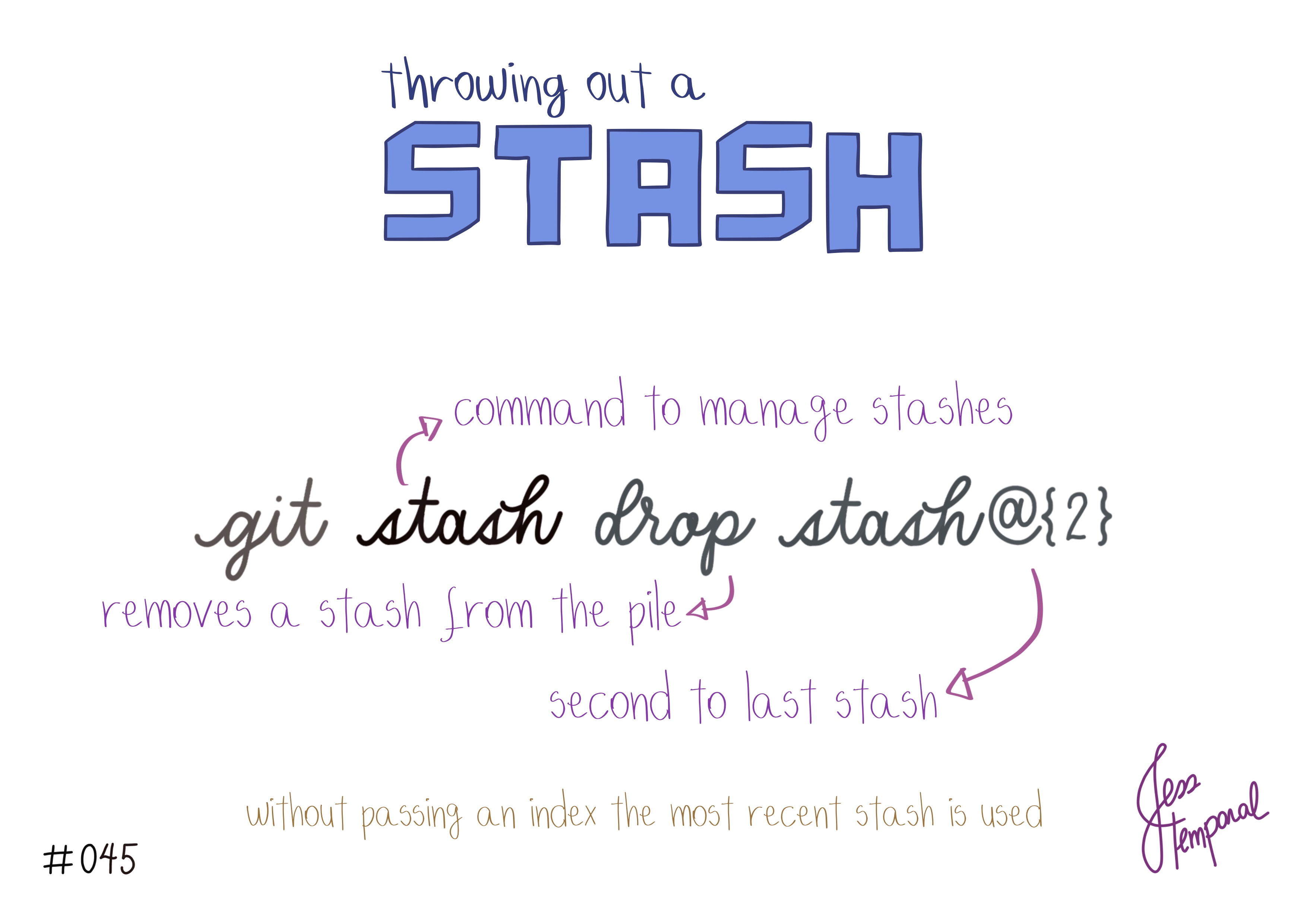
You might know how to create your stashes, list them and all that, but when it’s time to go back to using the work saved in a stash there’s always that doubt: “apply or pop? That is the question”. And that doubt is very normal since both work similarly, both apply the changes stored in a stash.
In today’s tip you’re going to see when to use one and when to use the other. 😉
git stash apply
apply like the name says applies the changes from a stash to your working directory but it also keeps the entry in the stash list. For example, consider you have the following stash stack:
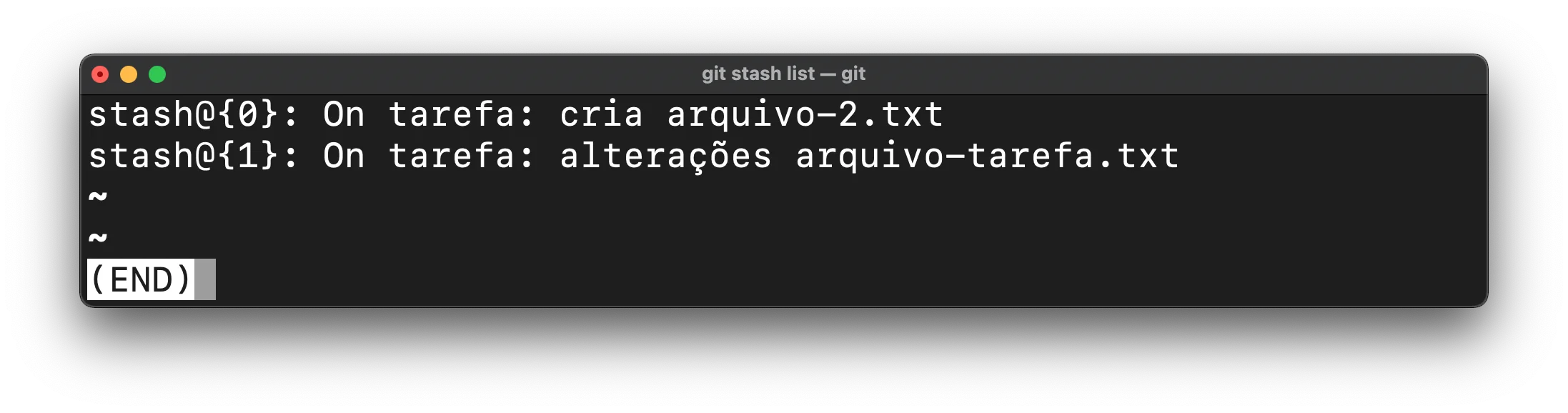
And you want to apply the changes from the first stash, stash@{0}. To do that, run the command:
|
|
The expected result is finding the changes stored in that stash on your local branch:
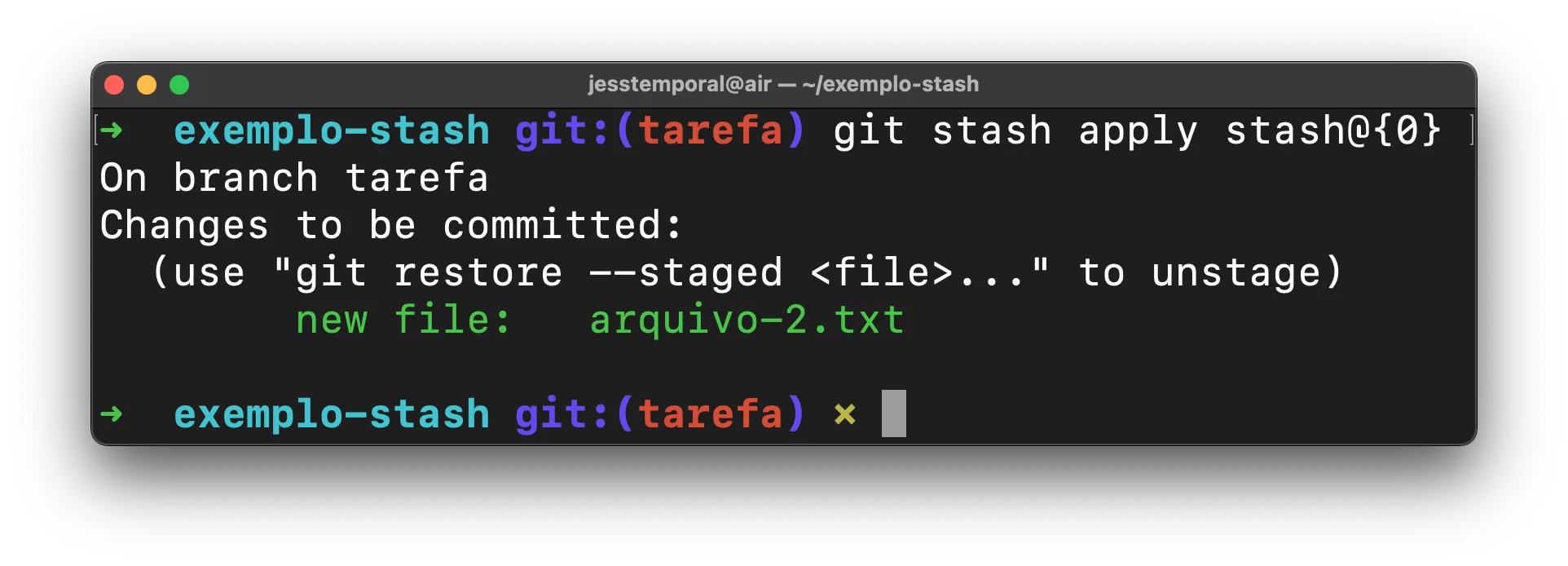
And also finding those changes when listing the stashes:
Note that apply, just like drop and pop without passing an index, will use the most recent stash on the stack.
git stash pop
pop, in turn, will apply the changes from a stash to your working area and remove that stash from the stack right after. pop is nothing more than a shortcut for git stash apply followed by git stash drop.
For example, taking into consideration the same stash list as before, and a working environment with no changes, you want to take from the list and apply the changes from the first stash, stash@{0}. So you run the command:
|
|
The expected result is finding the changes stored in that stash on your local branch, just like with apply:
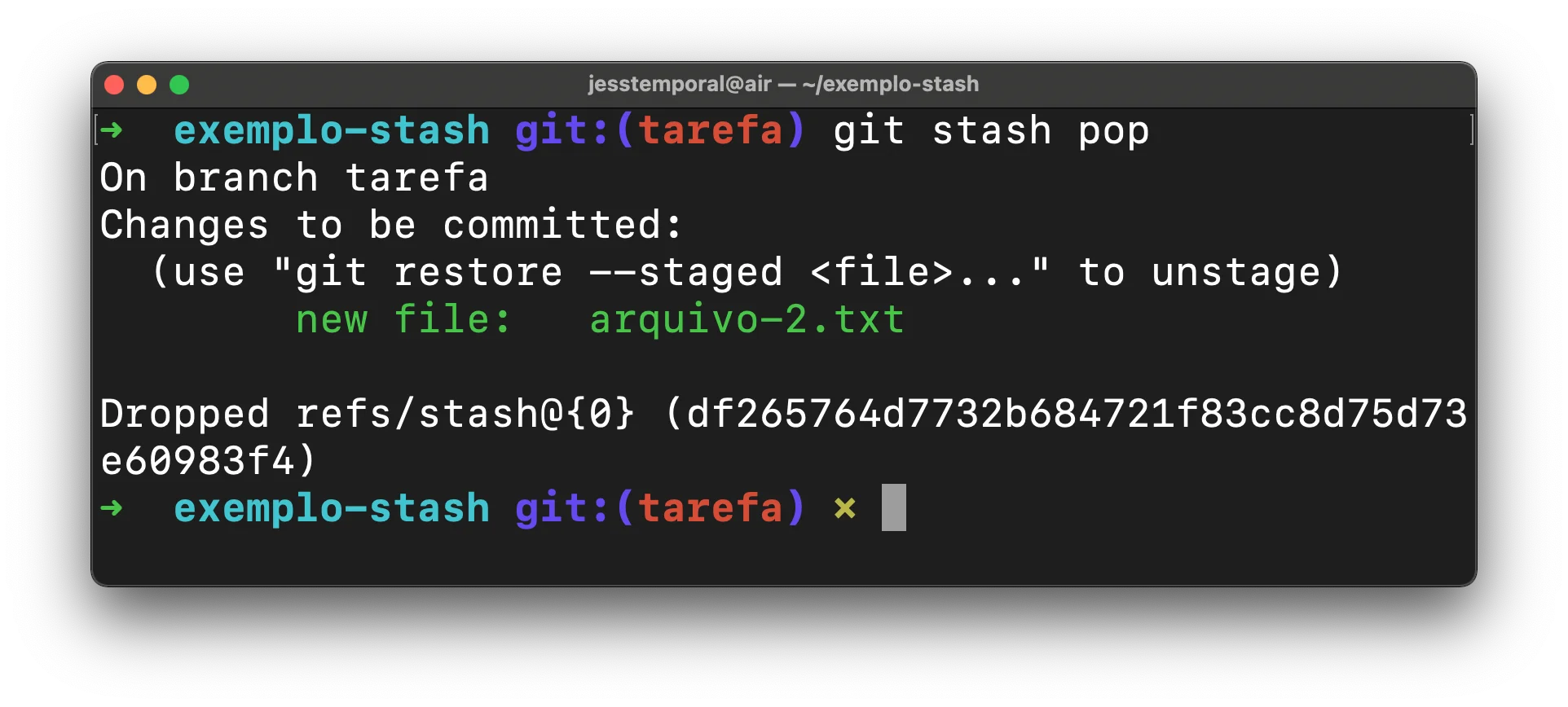
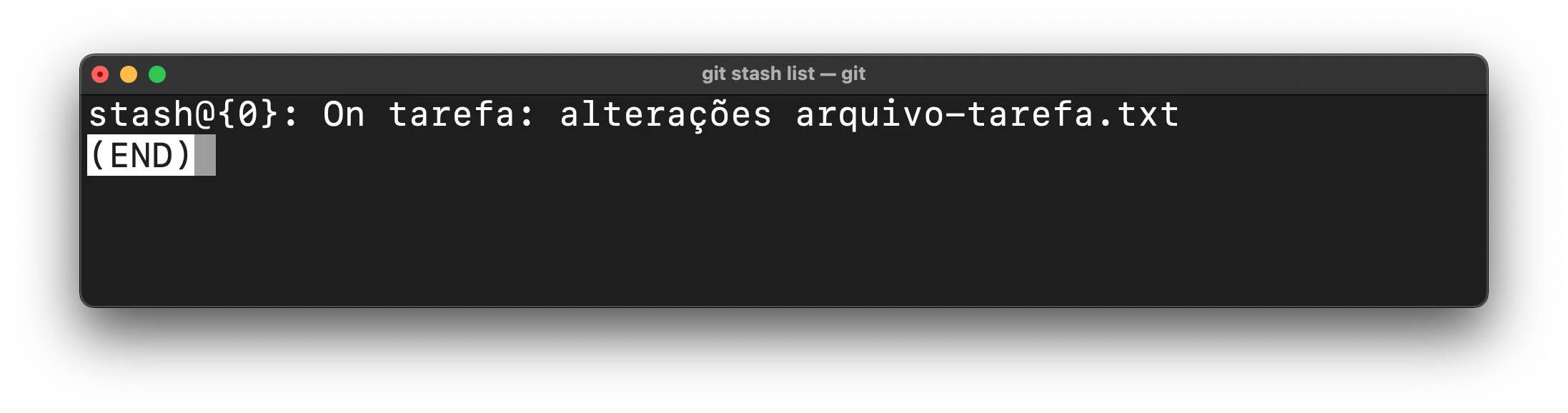
At the same time, differently from apply, it already shows that the corresponding stash was removed from the list in the result message. If you run git stash list you won’t find that stash on the list anymore:
When to use apply and when to use pop
Let’s say you want to reuse the changes you made somewhere else too, or you’re not sure if you want to use them now. Then you can use apply and, if you don’t want to keep them, use git reset HEAD to discard them, keeping the changes stored in a stash for later.
If you’re sure you want to keep the changes, use pop. That way, besides applying the changes, you keep the stash list nice and clean. As a rule, I always prefer to use pop and redo the stash if I need to save the changes for later.
The important part is that now you understand the difference between one and the other and you don’t need to be afraid of git stash anymore.
GitFichas | GitStudyCards